
Reducing Latency for Real-Time Applications with Leased Lines
For many small businesses, investing in low latency leased lines makes the difference between laggy interactions and smooth, predictable performance. In the first 100 words this article explains how a dedicated circuit can improve real-time applications connectivity — from a leased line for VoIP to video calls and time-sensitive data streams — by delivering consistent latency performance and reduced jitter.
Why low latency leased lines matter for real-time applications
Real-time services such as voice calls, video conferencing and live data synchronisation are sensitive to delays. Latency — the time it takes for a packet to travel from source to destination — affects perceived responsiveness. High or variable latency introduces awkward pauses, echo, and dropped frames. A low latency leased line provides a private, uncontended path that lowers round-trip times and stabilises performance, which is especially important for businesses relying on real-time data transfer and interactive cloud applications.
How leased lines reduce jitter and packet loss
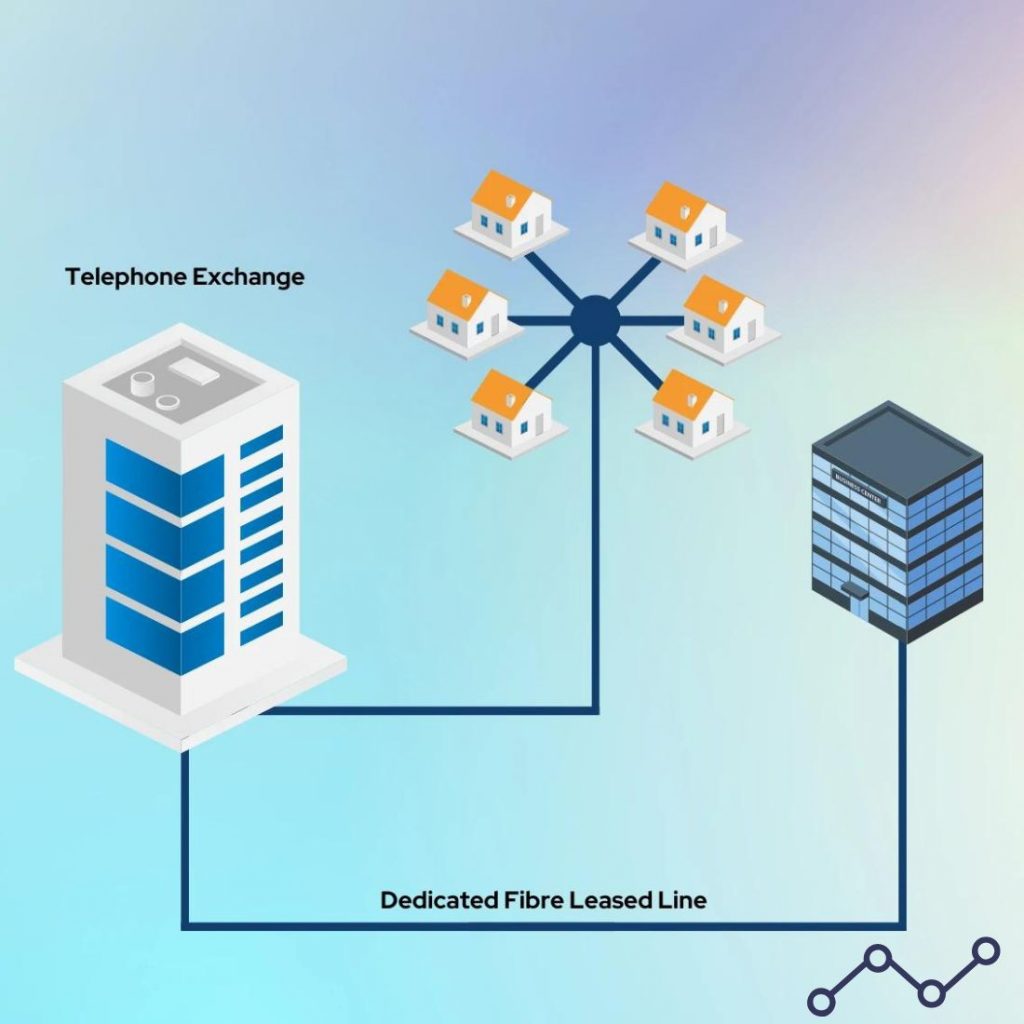
Jitter refers to the variability in packet arrival times. Even with acceptable average latency, high jitter can ruin a call or stream. Because leased lines are dedicated circuits, they offer:
- Deterministic throughput that minimises delay variation.
- Symmetric bandwidth so upload-dependent services (for example, video conferencing sending your feed) perform reliably.
- Service level agreements (SLAs) that guarantee packet delivery and define acceptable latency and availability metrics.
These traits contribute to jitter reduction and lower packet loss, which in turn improves overall quality for VoIP, remote desktop sessions and video collaboration.
Technical factors that influence responsiveness
Choosing a low-latency service is part of the solution; configuring it correctly is the rest. Important technical considerations include:
- Network topology: Fewer hops and a shorter physical route reduce latency.
- Traffic prioritisation: Quality of Service (QoS) settings ensure voice and video are prioritised over bulk transfers.
- Buffering and codecs: Modern codecs can cope with some packet loss, but excessive buffering adds delay; optimise codec settings for latency-sensitive calls.
- Edge devices: Use routers and firewalls designed for low-latency handling; misconfigured or overloaded equipment can create bottlenecks.
Practical steps for small business owners
Not every small business needs the highest-spec circuit, but understanding requirements keeps costs sensible while delivering the necessary performance.
- Assess application needs: List the real-time services you use, estimate concurrent streams and identify acceptable latency thresholds (for example, under 150 ms for good VoIP quality).
- Monitor current performance: Use simple tools to measure round-trip times, jitter and packet loss during busy hours.
- Plan capacity: Choose symmetric bandwidth where uploads are important; consider headroom for peaks to avoid queuing delays.
- Configure QoS: Prioritise voice and video traffic on your network and ensure Wi‑Fi is optimised — wireless congestion often creates the biggest user-experienced delay.
- Negotiate SLAs: Look for guaranteed latency ranges and repair times so the supplier is accountable for consistent latency performance.
Real-world services that benefit
Examples of applications that gain most from a low latency leased line include:
- Leased line for VoIP: Clearer calls, consistent MOS (mean opinion score) and fewer drop-outs.
- Video conferencing stability: Smoother picture, reduced freeze and faster screen-sharing.
- Real-time data transfer: Faster synchronisation between on-site systems and cloud services, useful for point-of-sale systems, stock control and remote backups.
- Remote desktops and virtual desktops: Reduced input lag gives users a more local experience when working from the office or on the go.
Example scenario
Example: A small architectural studio with 15 staff was experiencing stuttering in video reviews and delayed VoIP calls during client sessions. After upgrading to a low latency leased line and rearranging QoS rules to prioritise video and voice, they measured average round-trip latency drop from 90 ms to 25 ms and eliminated most call complaints. File synchronisation to their cloud design repository also became noticeably faster during peak hours.
Measuring success and ongoing optimisation
Once a leased line is in place, monitor and refine. Simple, regular checks will show whether the circuit meets business needs:
- Track latency, jitter and packet loss over time and after changes to network configuration.
- Review QoS policies if new applications are introduced.
- Test performance from different locations within the premises — Wi‑Fi dead spots can create the impression the leased line is at fault.
- Use the SLA to prompt remediation if latency or availability dips below agreed thresholds.
Conclusion
Low latency leased lines provide a practical, reliable foundation for real-time applications connectivity by reducing delay, stabilising jitter and delivering consistent latency performance. For small businesses that rely on VoIP, video conferencing stability and fast real-time data transfer, a dedicated circuit combined with correct configuration and monitoring can significantly improve responsiveness and user experience.